
One workspace for every product visual you need.
From AI models and virtual try-on to ghost mannequin, background swaps, upscaling, and video — TinTin turns flat product shots into high-converting, channel-ready visuals.
What can you do with TinTin?
TinTin is an AI visual-commerce studio that turns flat product photos into listing-ready imagery and video — replacing photoshoots for ecommerce brands and sellers.
The tools fall into three groups. Model & fashion puts your products on AI models — on-model apparel, swimwear, lingerie, plus-size, kids, full outfits, lookbooks, and a virtual hand model for press-on nails. Editing & retouch cleans up what you already have — background changer, ghost mannequin, 4K upscaler, logo enhancer, face swap, hand fixer, and jewelry try-on. Video turns a product link or mannequin shot into ready-to-post clips. Everything runs in one workspace, with no studio, model booking, or retoucher required.

AI Bikini Models
On-model swimwear photos from flat-lays — every body type.
Explore →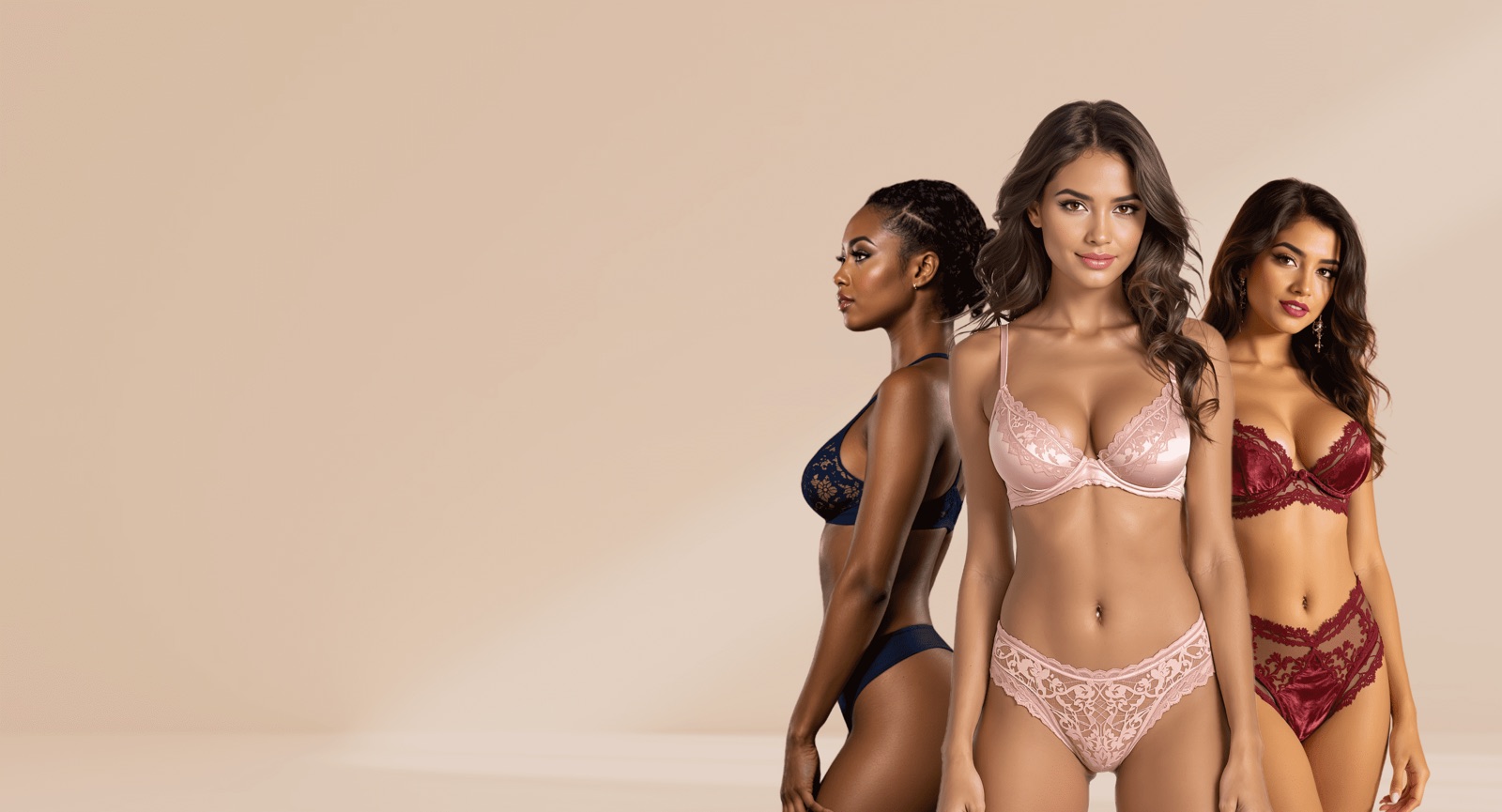
AI Lingerie Models
Tasteful on-model lingerie photography, generated at scale.
Explore →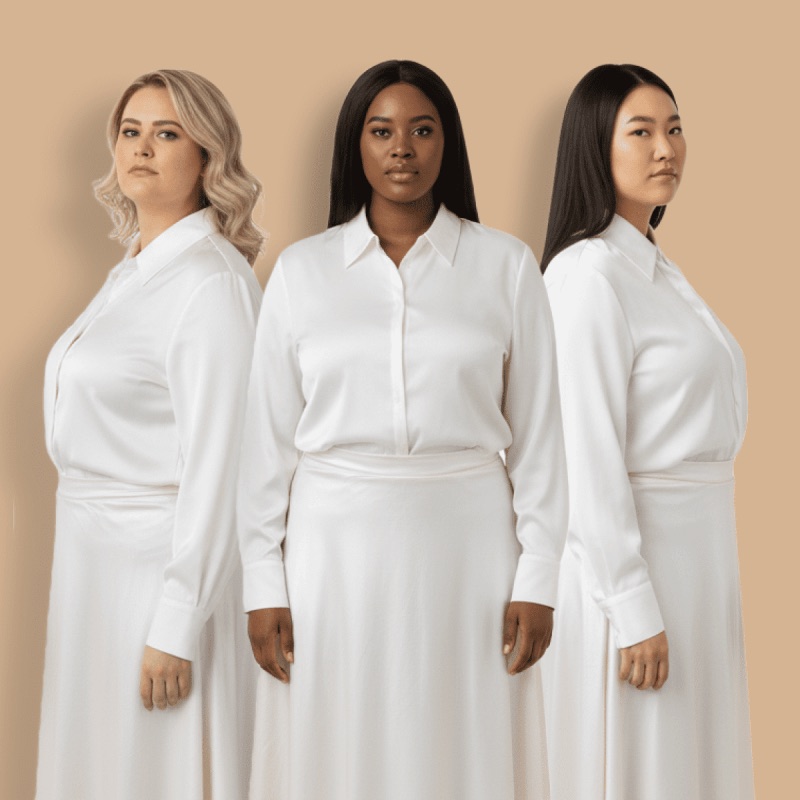
AI Plus Size Model
Inclusive plus-size on-model imagery for your catalog.
Explore →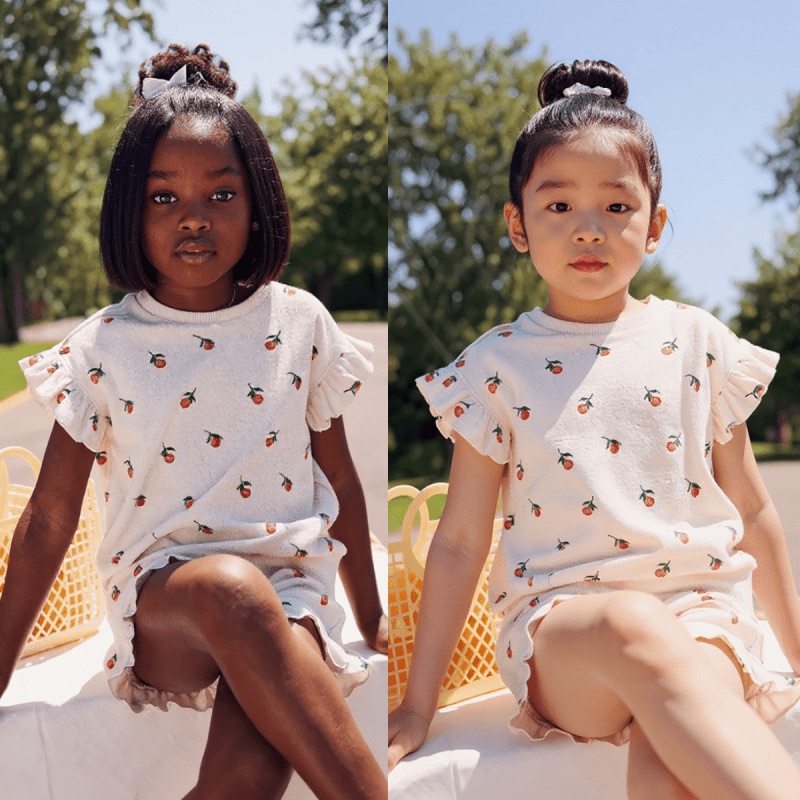
AI Kids Modeling
Childrenswear on AI kid models — no shoot, no release forms.
Explore →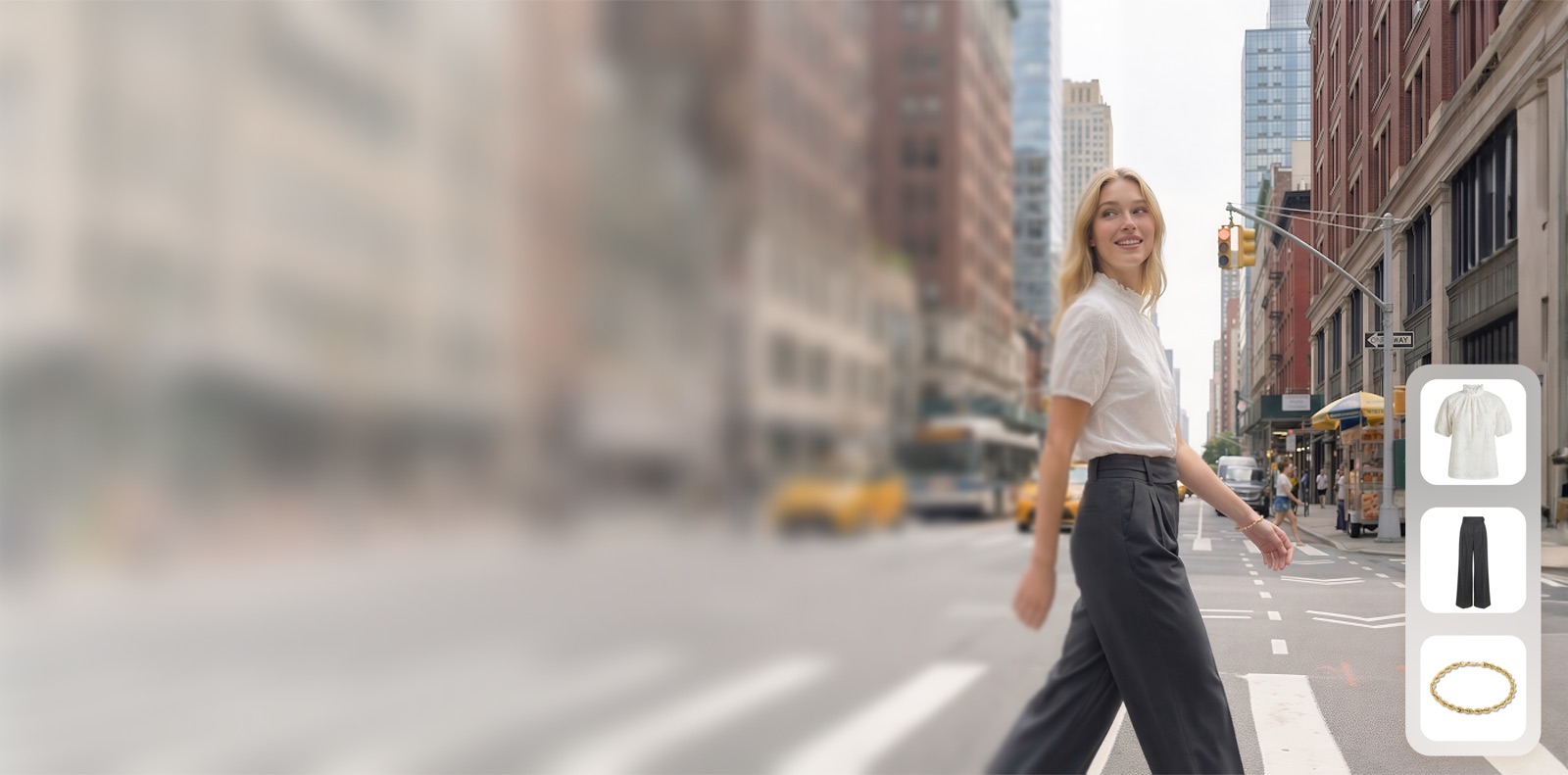
Outfit Try On
Dress AI models in full head-to-toe outfits instantly.
Explore →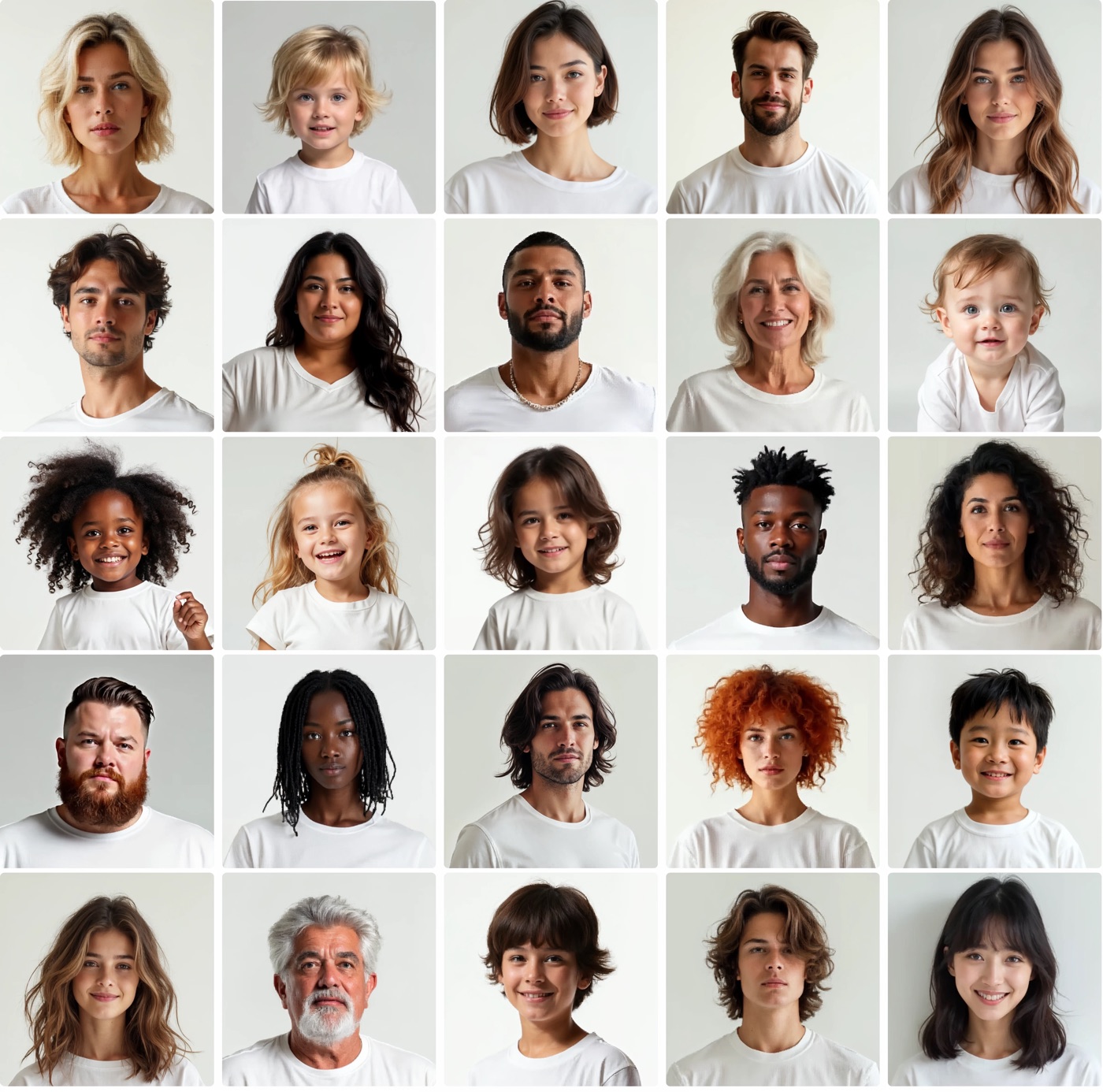
AI Lookbook
Produce a full-season lookbook overnight in 4K.
Explore →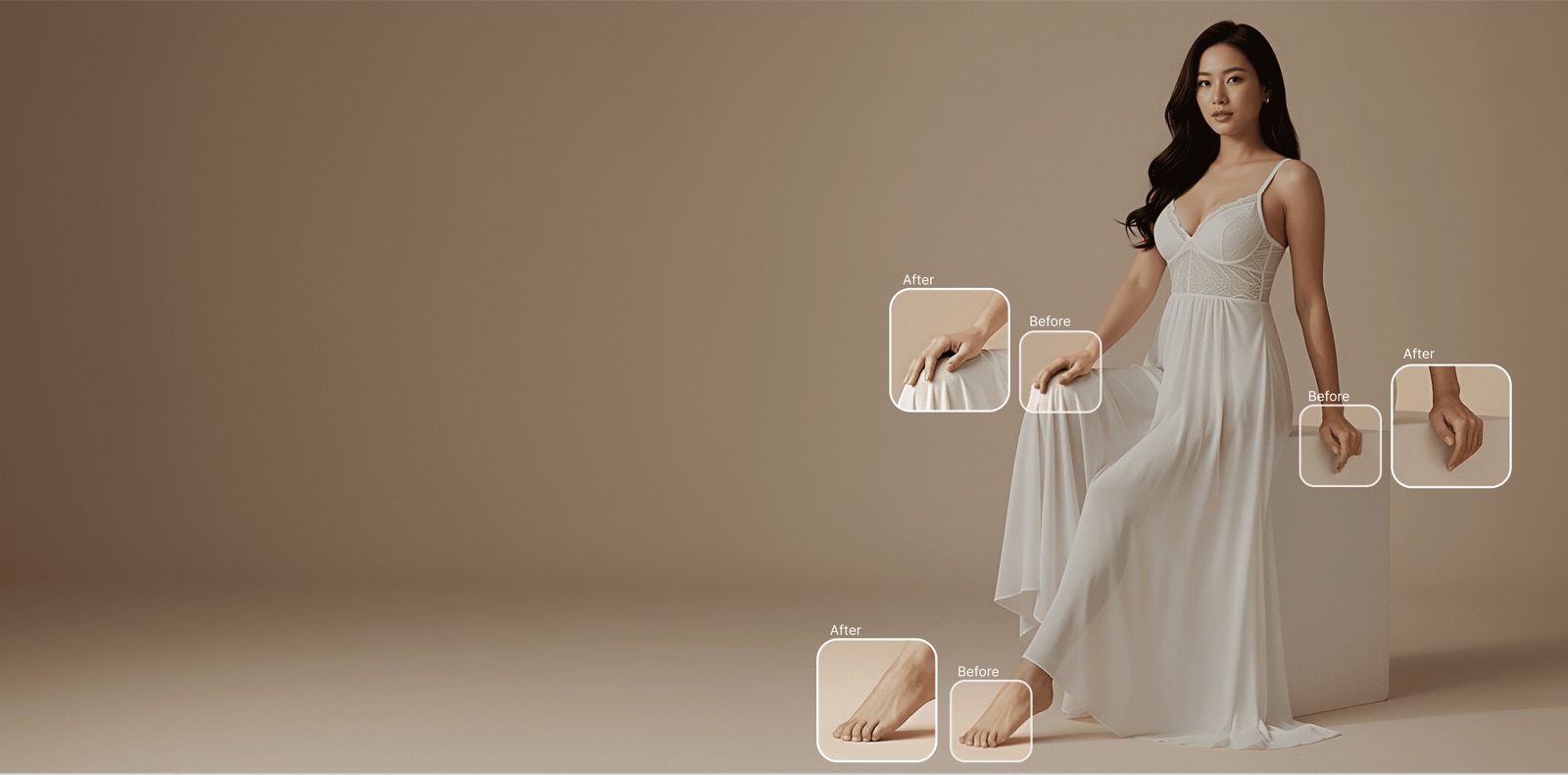
AI Hand Fixer
Fix distorted AI hands and fingers in one click.
Explore →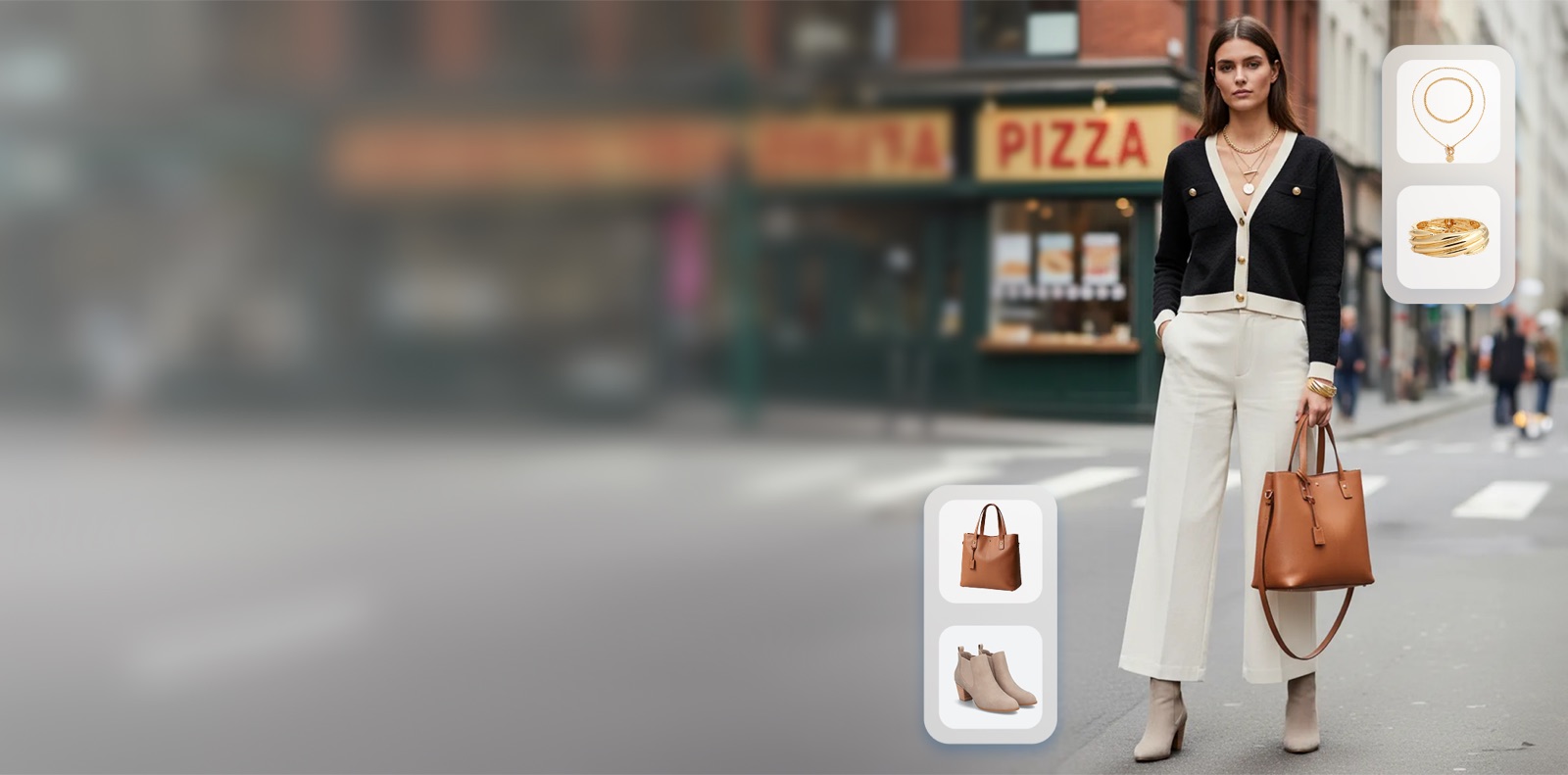
Virtual Jewelry Try-On
Show jewelry on realistic models and hands.
Explore →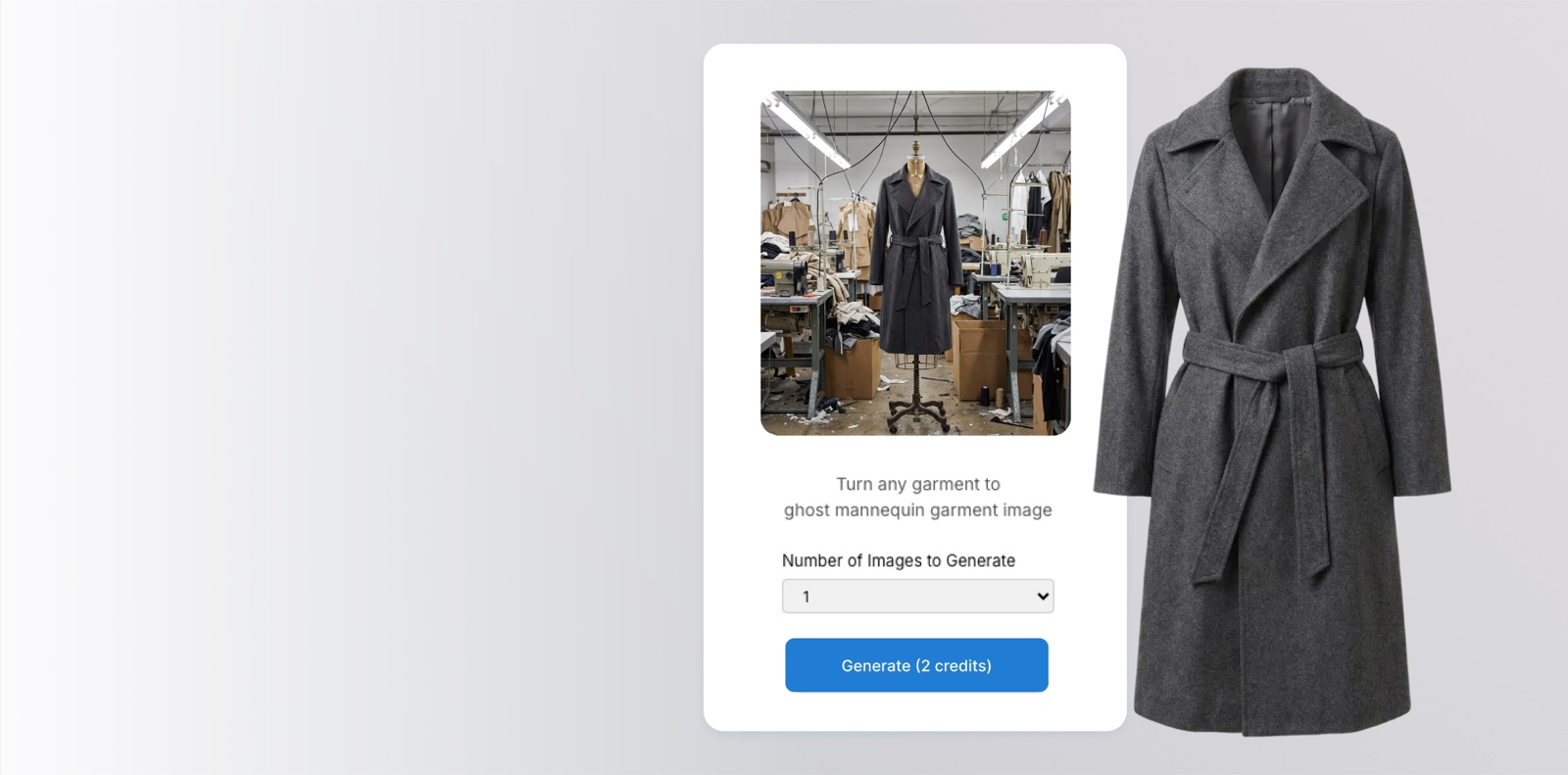
Ghost Mannequin
Clean invisible-mannequin product photography.
Explore →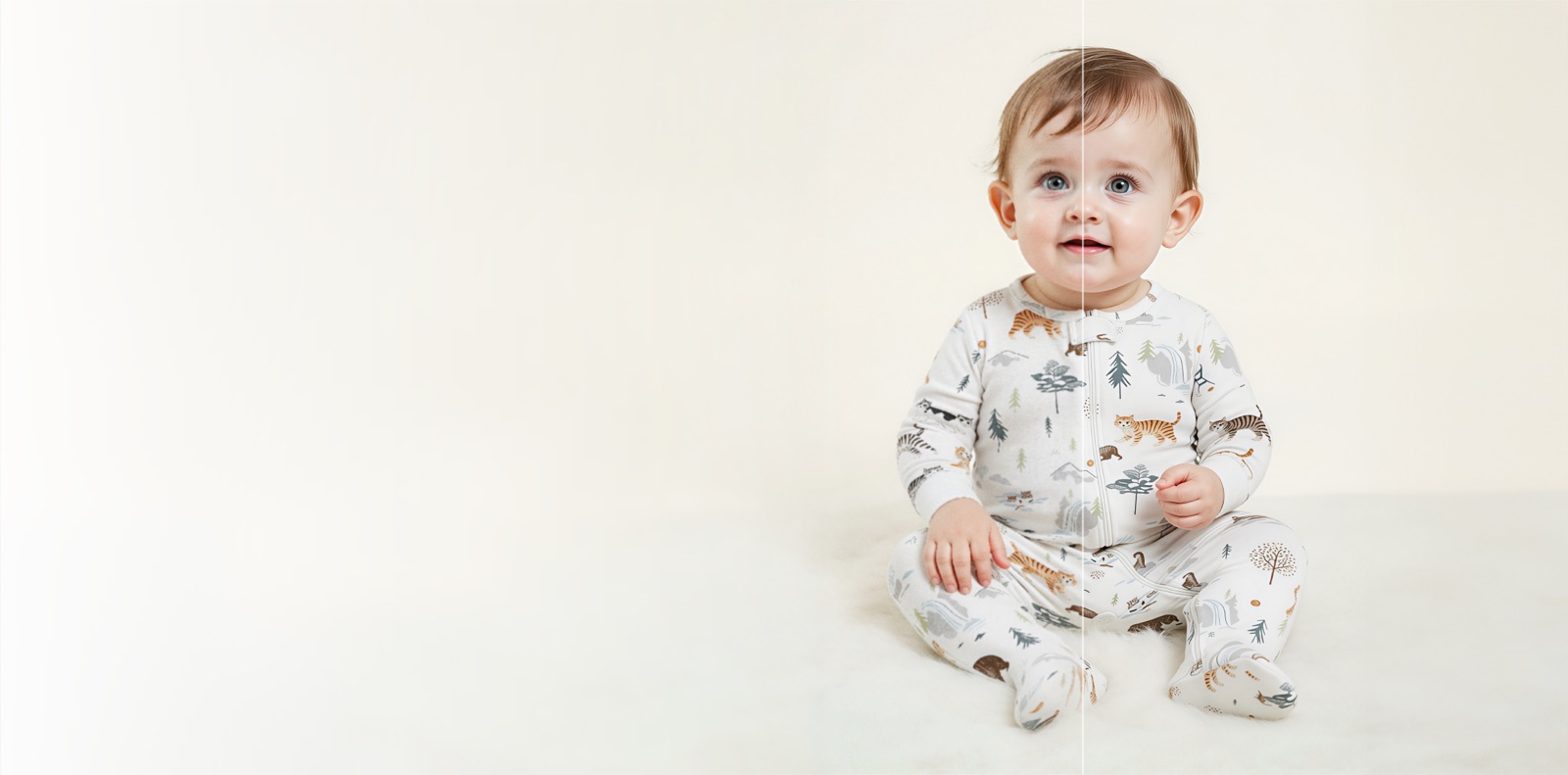
Image Upscaler
Upscale product images to crisp, print-ready 4K.
Explore →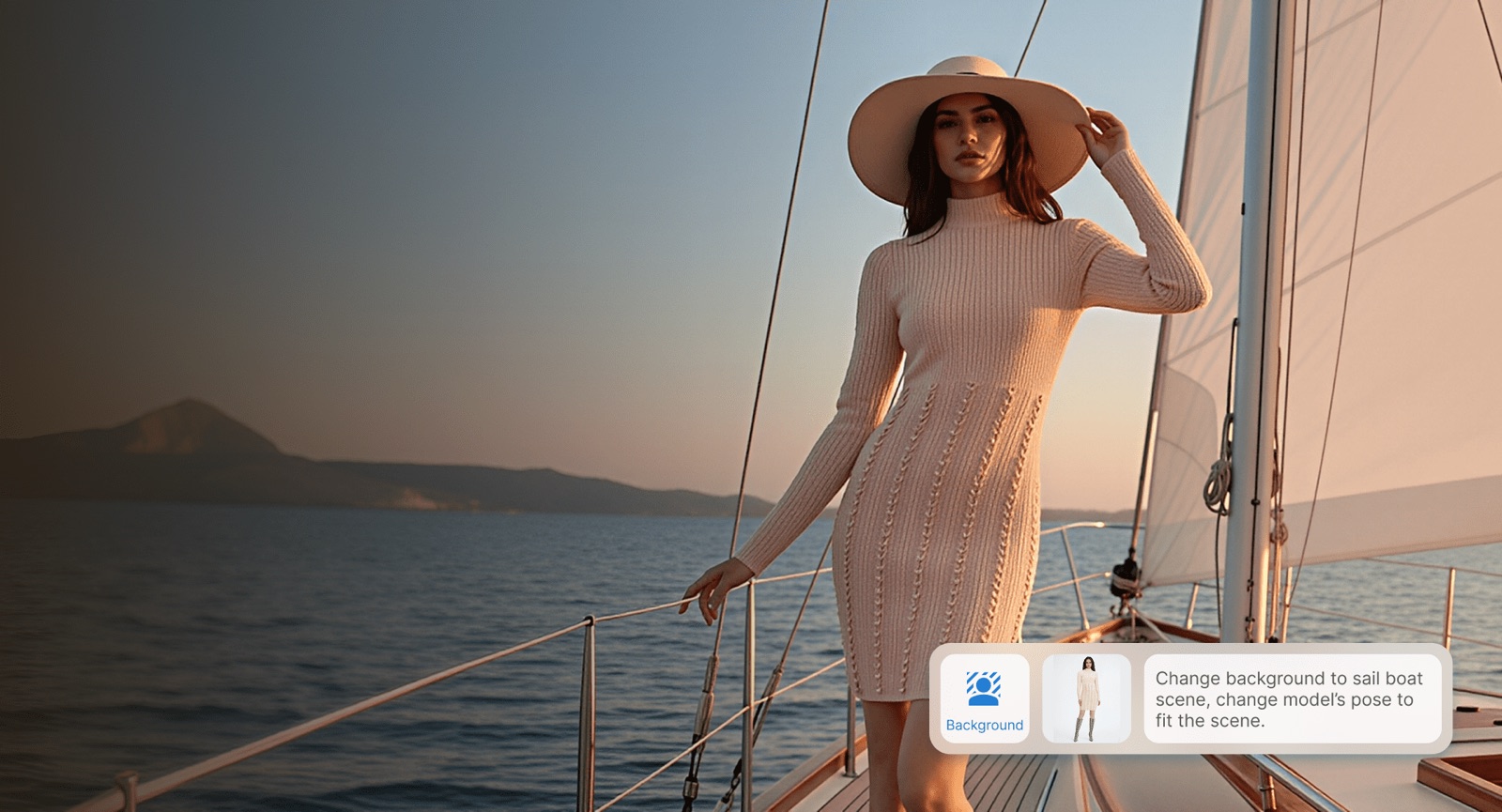
Background Changer
Swap any product backdrop in seconds.
Explore →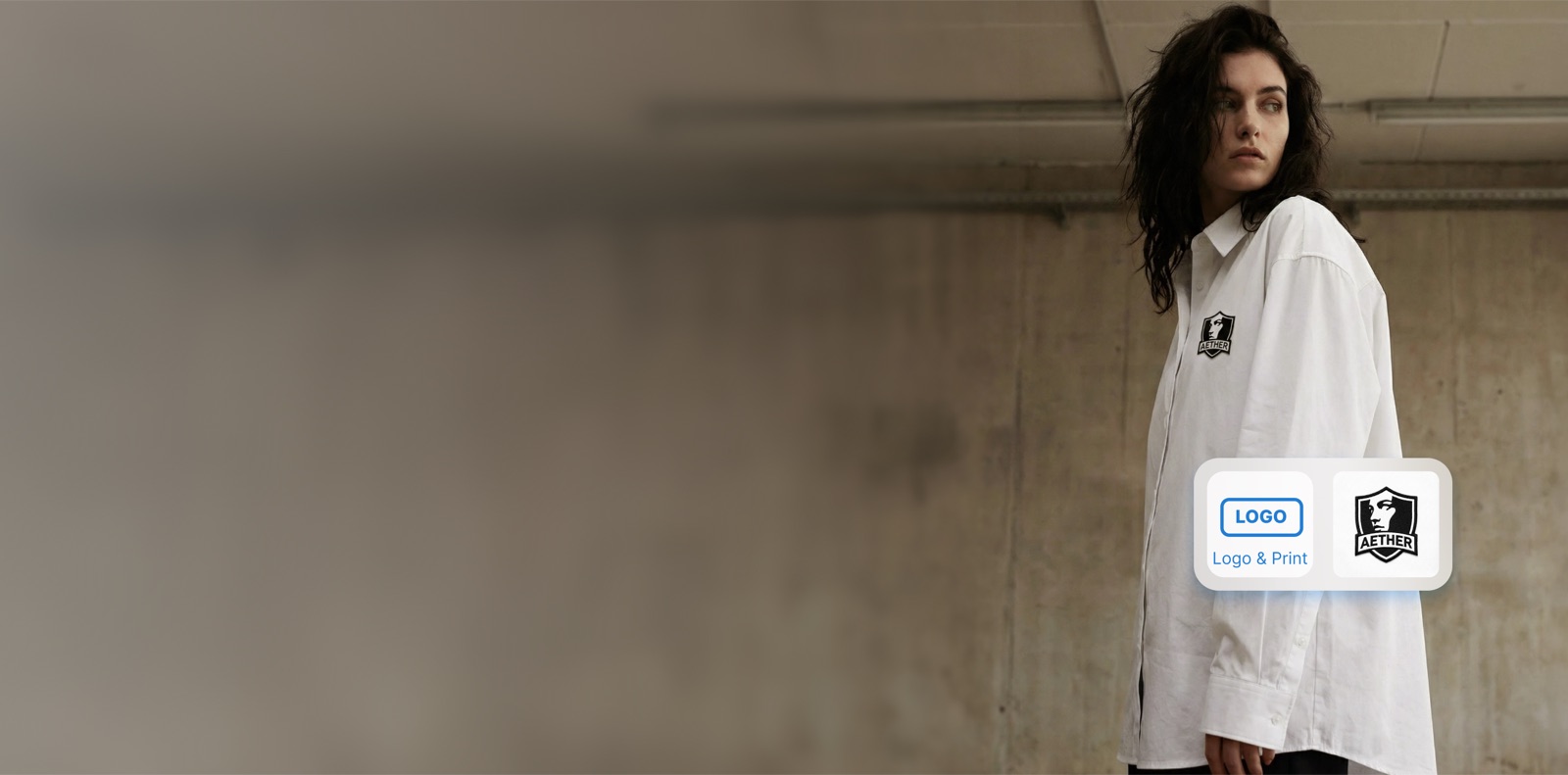
Logo Enhancer
Sharpen and reprint logos at any resolution.
Explore →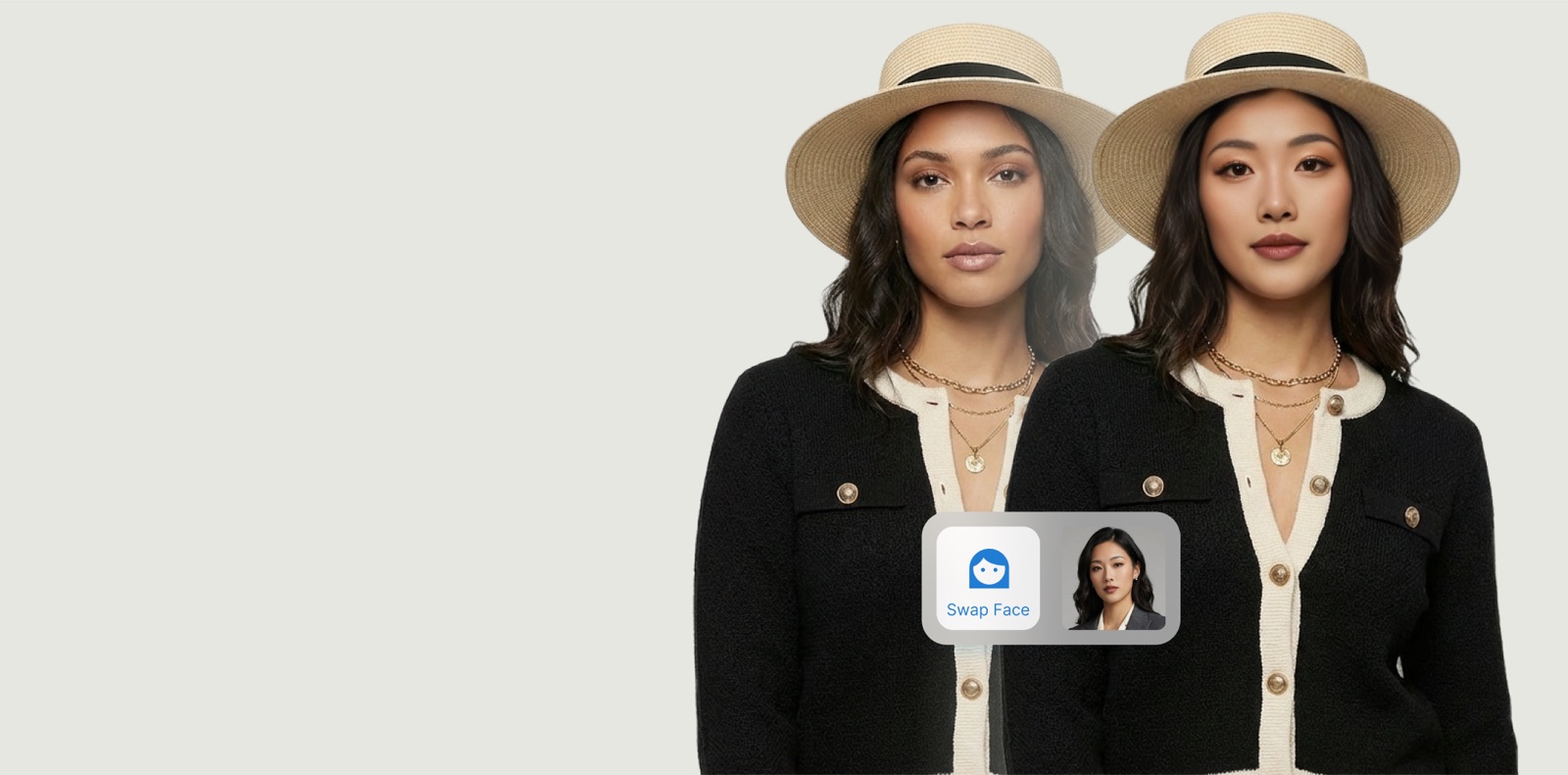
Face Swap
Swap faces for consistent, on-brand models.
Explore →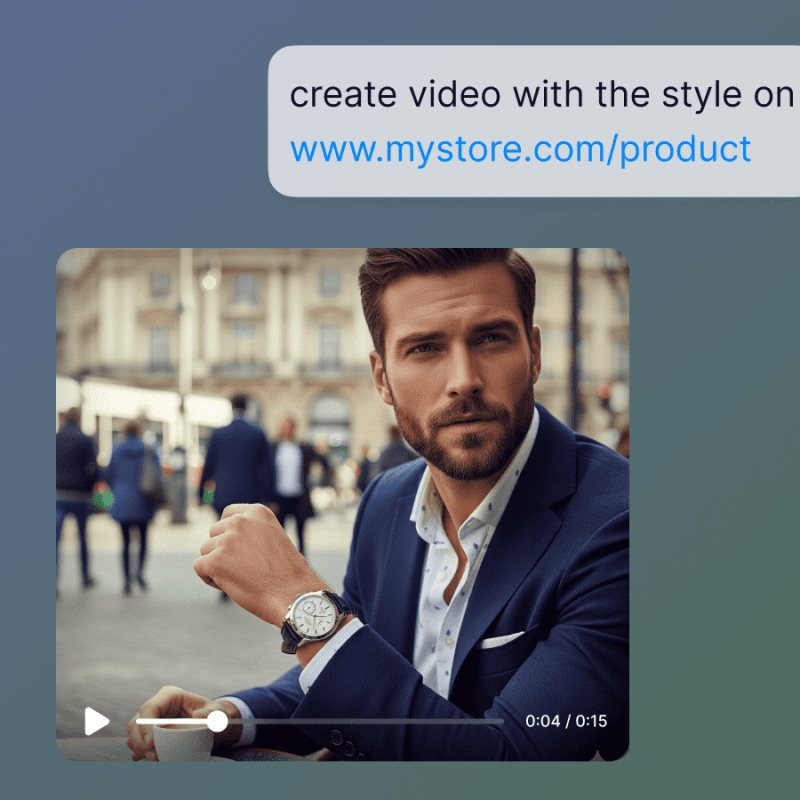
Product Link to Video
Turn a product link into a ready-to-post video ad.
Explore →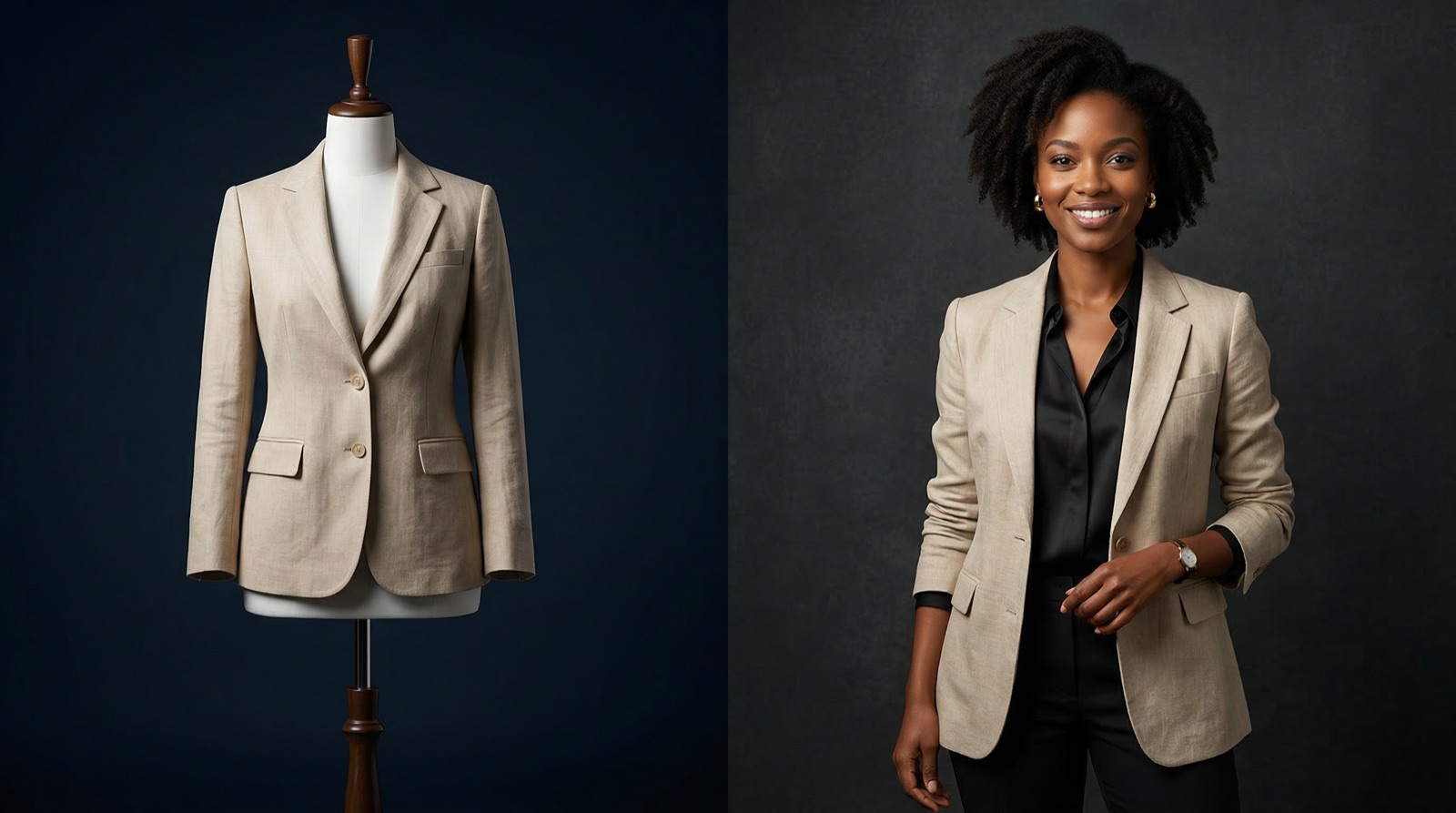
Mannequin to Model
Turn mannequin shots into photoreal on-model images.
Explore →Don't see your use case?
Tell us what you're trying to make — TinTin's visual workflows are flexible.